How do I add a competitor if my campaign is already started?
To add a competitor, click on the settings gear of the Social Tracker tool. This will open up the competitor settings.

Click “Add competitor” and enter the domain of the competitor you would like to add. You should then see the new addition at the bottom of the list. Semrush will search for these social media profiles & provide suggested pages.
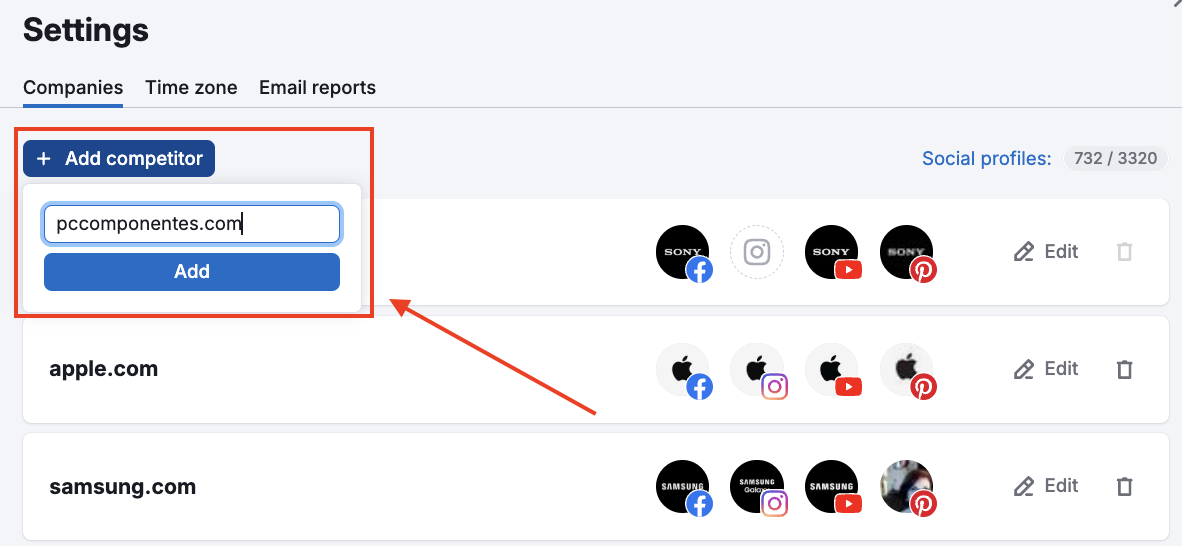
You may need to manually add these competitors depending on the results. The best way to find your competitor's Facebook page handle is to go to their domain and find their social links.
 返回到 Semrush 工具箱 类别