Can I manage the automatic Site Audit re-run schedule?
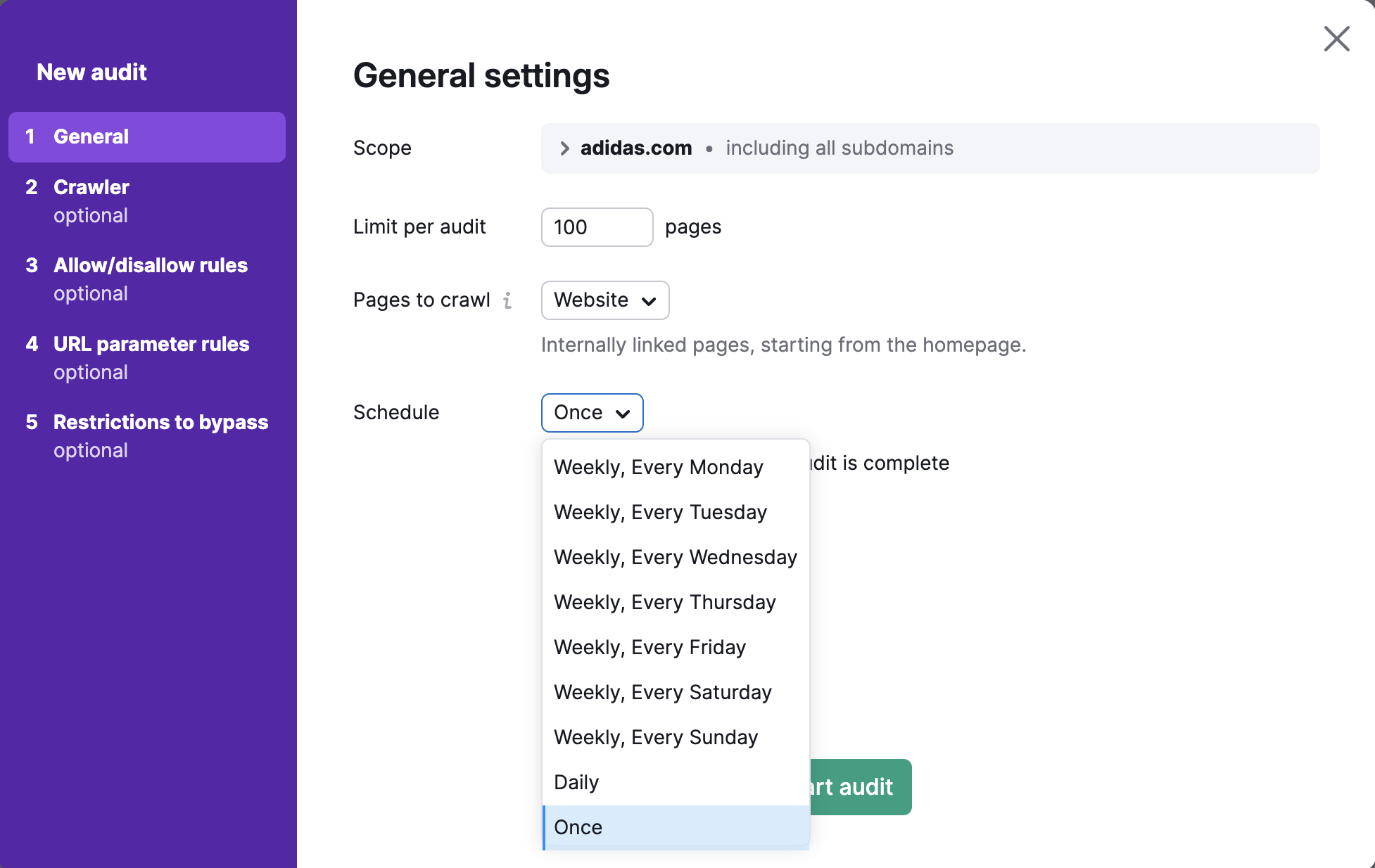
You can select how often you would like us to automatically audit your website in your Site Audit campaign settings:

In the General section of the Site Audit setup, navigate to “Schedule” and choose one of the following options:
- Weekly
- Daily
- Once: choose this option if you'd like to always re-run your campaign manually. It will stop any automatic Site Audit re-runs scheduled for that particular campaign.
Zapier integration available for Site Audit allows setting up a custom re-crawl schedule for your campaign. To learn more about this integration, the way it works and how to set it up, you can read this article.
 返回到 Semrush 工具箱 类别