How do I see historical data in Position Tracking?
Position Tracking will start collecting data from the date that your campaign is created. This means that if you created a tracking campaign today, the tool wouldn't allow you to check the rankings for the previous week/month/year.
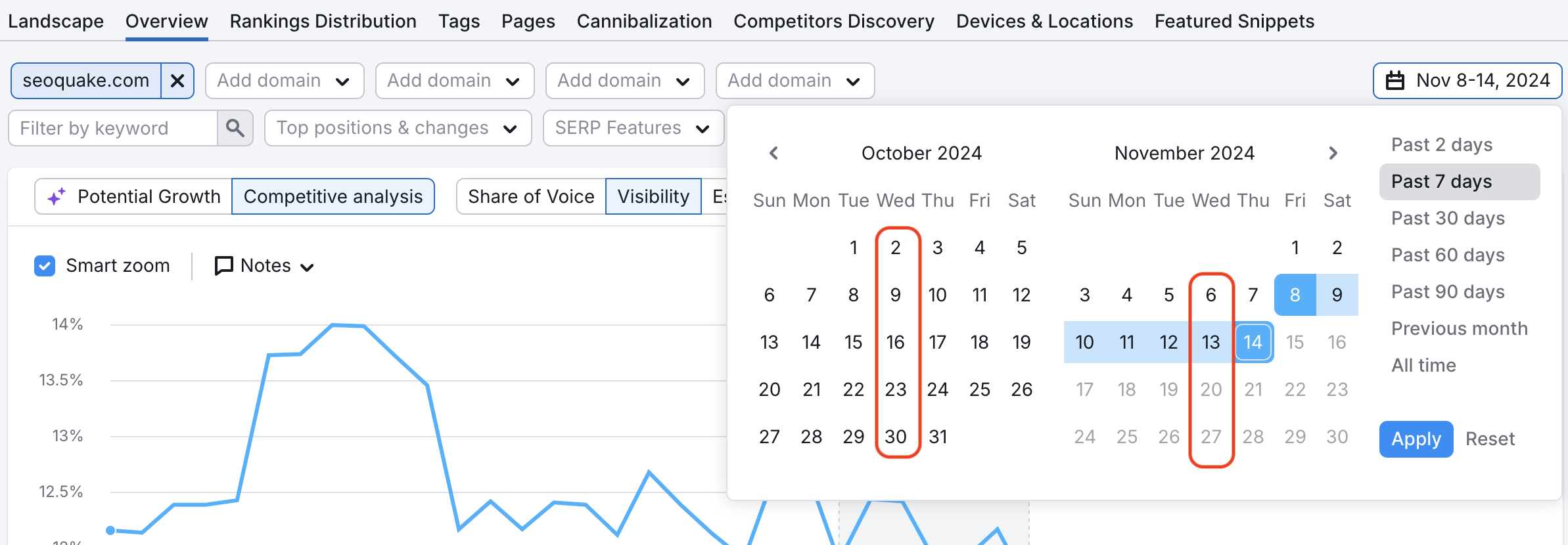
We track daily results in Position Tracking for 60 days. After 60 days we display information using weekly points (1) and by default, those are on Wednesdays. We keep this weekly information for 140 weeks.
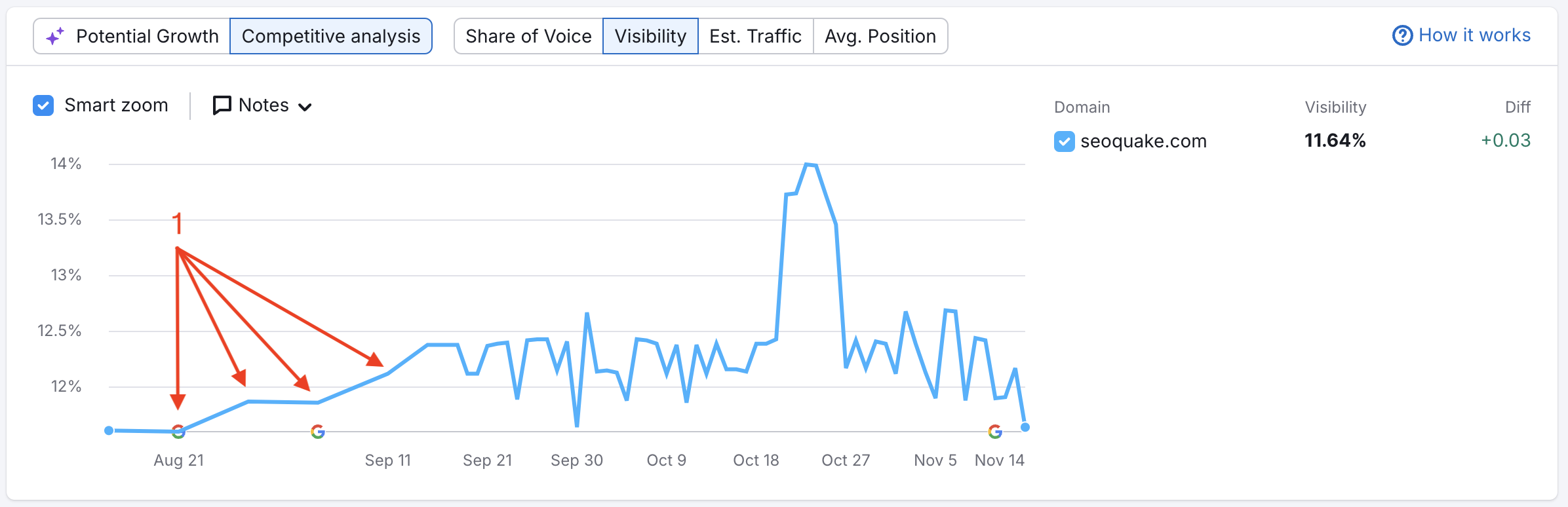
At the top you can adjust the date range to dictate the data shown in the tool.
Since after 60 days the data will be saved as weekly data points, you'll see grayed out dates in the calendar.
If you add a new keyword to the campaign, historical data won't be available for this keyword. Position Tracking will collect historical data from the date the word is added.
Please note that if you delete a keyword from your campaign, you will lose its historical data. Even if you add the same keyword later, the tool will start collecting data only from the date the word is added.
In Position Tracking, historical data can be seen for any added competitors going back to the date your tracking campaign was initially created.
 返回到 Semrush 工具箱 类别